
 Send Inquiry
 Call Us:-
08045812451
Call Us:-
08045812451



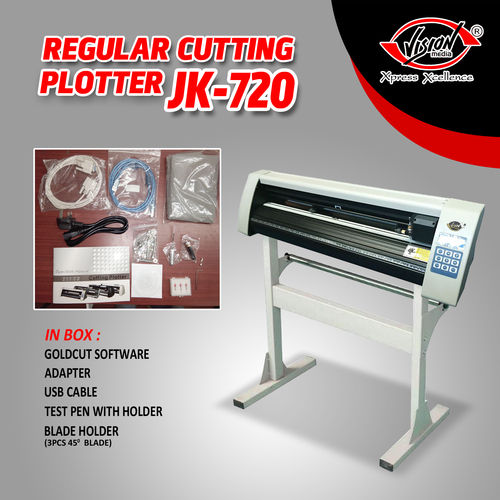
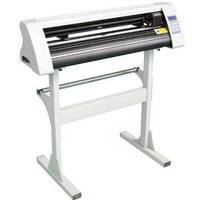
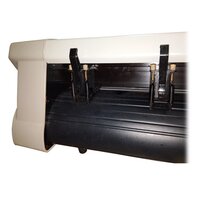
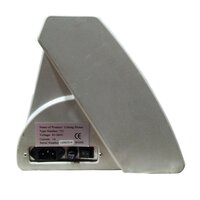
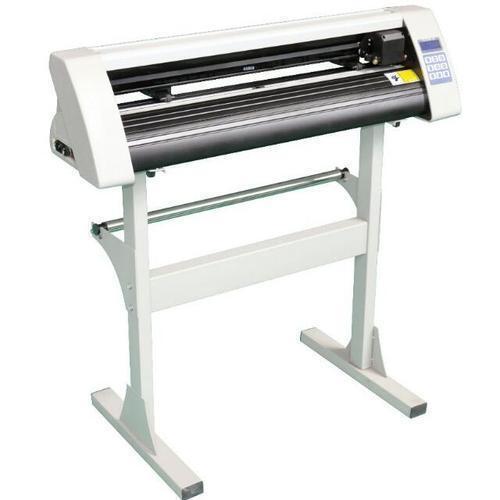
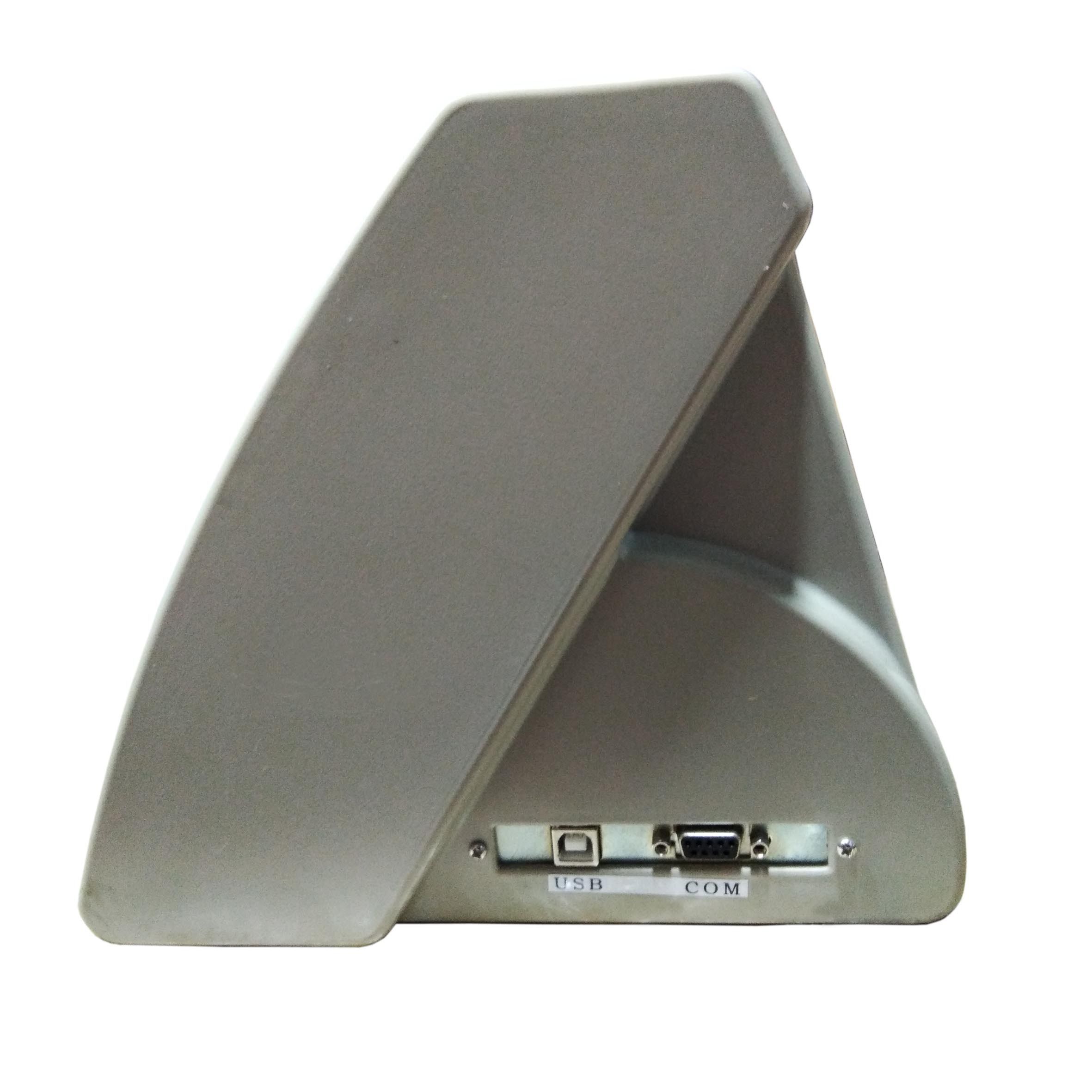
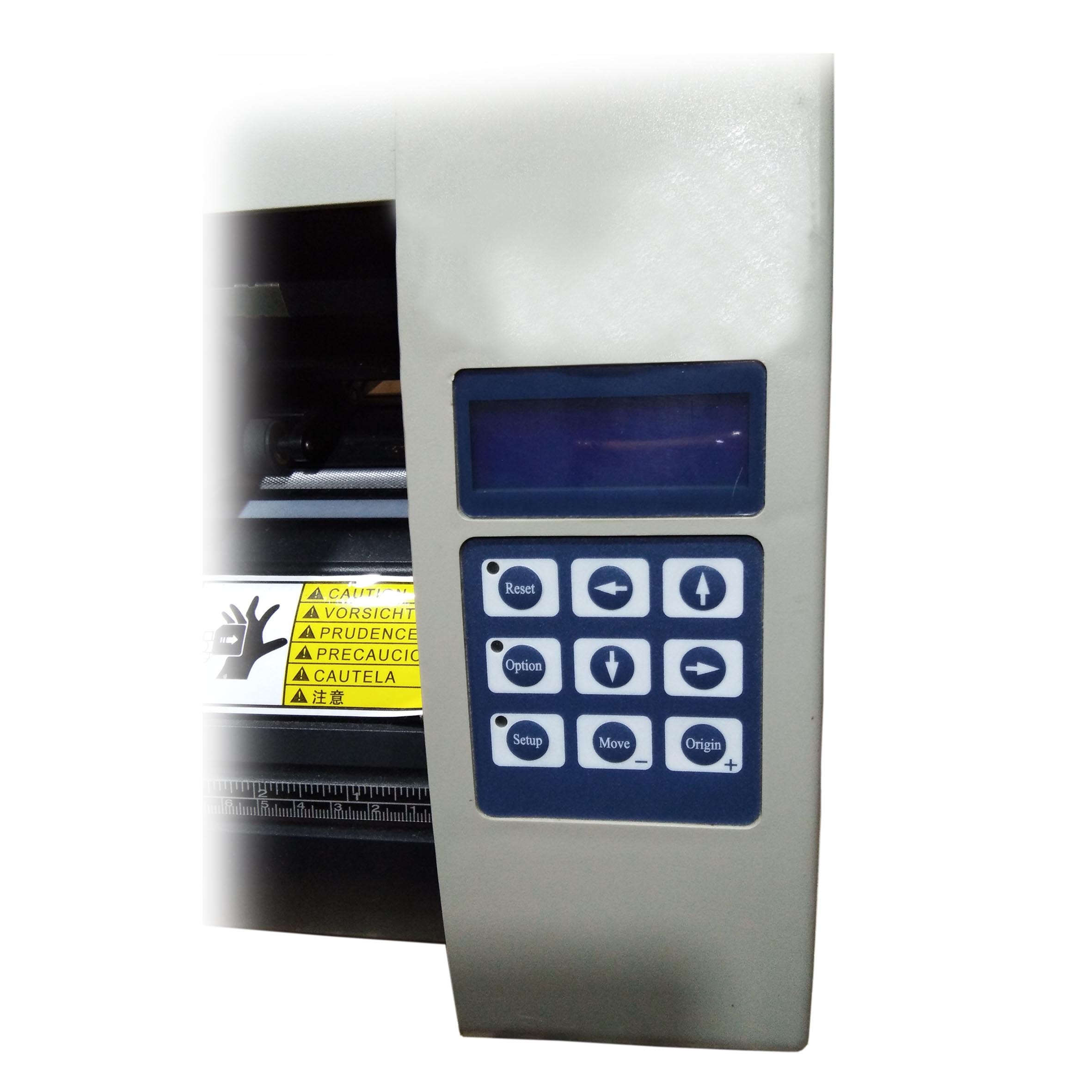
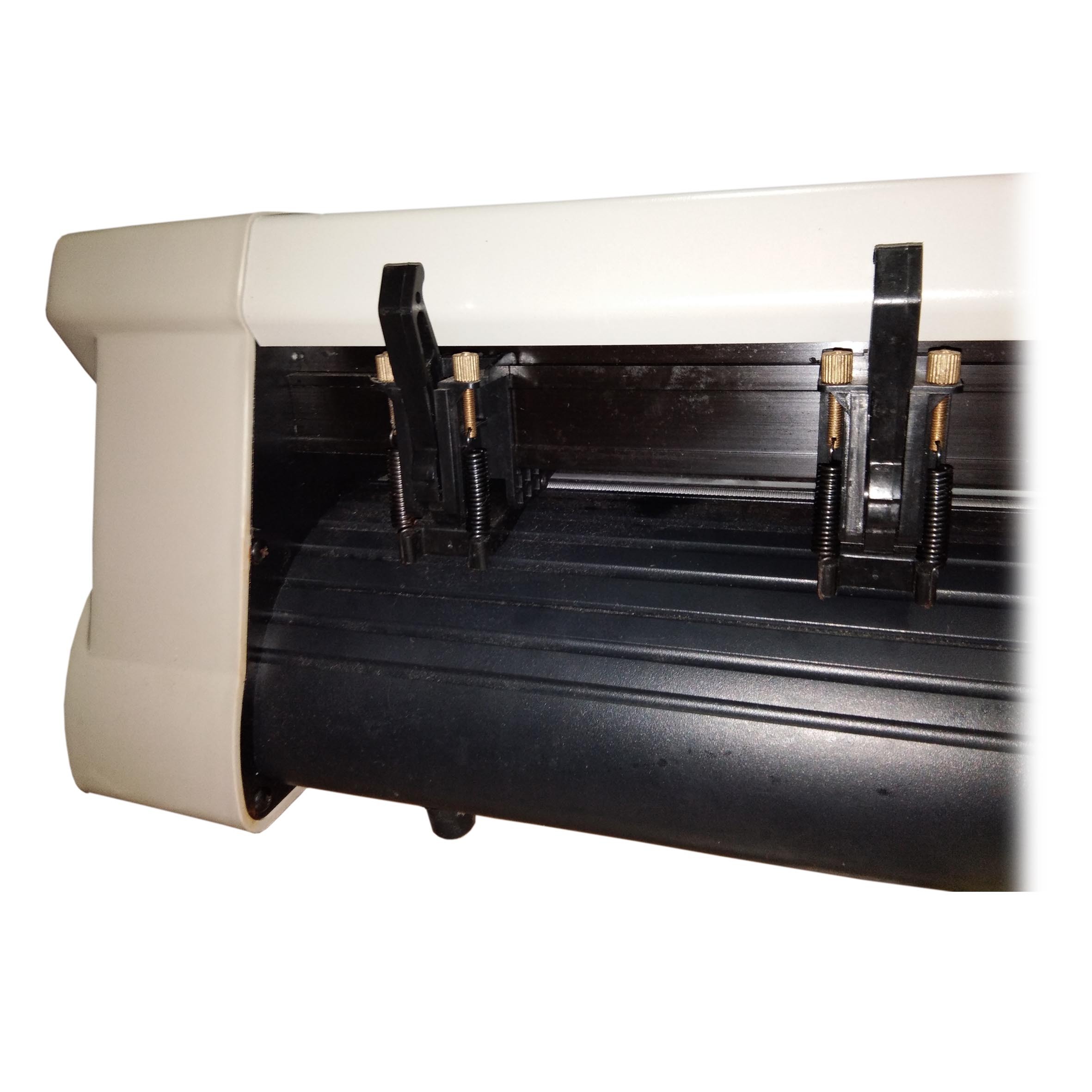
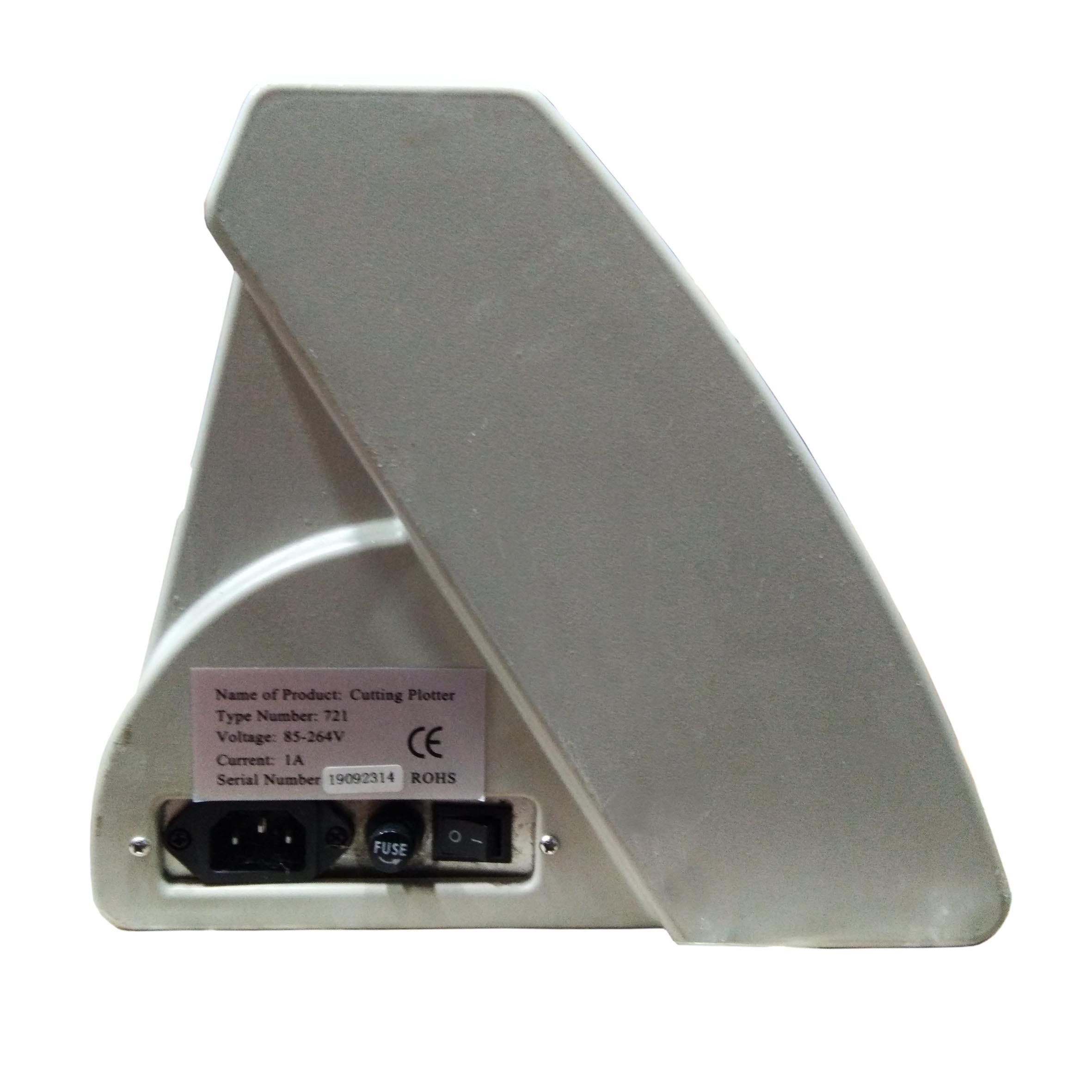
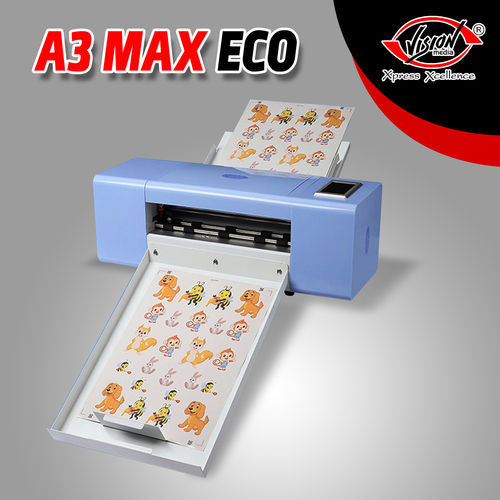
Regular Cutting Plotter
15000.00 INR/Unit
Product Details:
- Drive Motor Stepper
- Product Type Automatic Cutting Plotter
- General Use Sign Making, Label Cutting, Sticker Production
- Material Metal Body, ABS Panel
- Type Regular Cutting Plotter
- Capacity Continuous Cutting
- Weight (kg) 16 kg
- Click to View more
X
Regular Cutting Plotter Price And Quantity
- 15000.00 INR/Unit
- 15 Unit
Regular Cutting Plotter Product Specifications
- Up to 1 mm
- 16 kg
- Sign Making, Label Cutting, Sticker Production
- Stepper
- Yes
- Automatic Cutting Plotter
- Regular Cutting Plotter
- 0.01 mm
- Metal Body, ABS Panel
- Compatible with CorelDRAW, AutoCAD, ArtCut
- Air Cooling
- Contour Cutting, Vinyl Cutting, Lettering
- White & Black
- Drag Knife
- 900 x 320 x 390 mm
- High Precision, Durable Structure
- Micro-stepper Motor
- Yes
- Continuous Cutting
- Vinyl, Sticker Paper, Cardboard
- Stepper Motor
- 220V / 110V, 50/60Hz
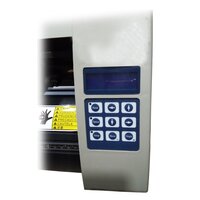
- Digital Control Panel
- 720mm x 500mm
- 10 - 800 mm/s
- 0.0125 mm
- Manual & Automatic
- Yes
- 500 grams
- 2 mm
- 5C - 35C
- <100W
- 2MB
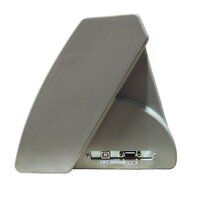
- USB and Serial Port
- Digital, 10-500 g
- <60 dB
- English, Multi-language
- LCD Display
- PLT, DXF
Regular Cutting Plotter Trade Information
- Kolkata,West Bengal,India
- 50 Unit Per Day
- 7 Days
- Contact us for information regarding our sample policy
- Our product are extensively exported to Asia and thus we make sure our range is suitably packed to avert any kind of damage during transportation. Following are the list of the packaging material used by us : Corrugated boxes, Cartons and other material
- All India
- Vision Media
Product Description
We are listed among the top importer & wholesaler of Cutting Plotter & offering you a complete choice of products.
Size :- 24 inch or 2 feet
Product Details ofCutting Plotter:
|
Code |
Regular - Plotter |
|
Width Size |
24" |
|
Warranty |
Without Warranty |
|
Color |
White |
Precision and Versatility
Engineered with a mechanical precision of 0.01 mm and a cutting force of up to 500 grams, this cutting plotter handles intricate designs and high-volume tasks with ease. Whether youre cutting vinyl, sticker paper, or cardboard, expect consistently sharp results. The durable structure ensures stability and accuracy, suitable for demanding work environments.
User-Friendly Operation
Featuring a digital control panel and an LCD display, this device offers straightforward control and efficient setup. Both origin and pressure adjustments can be made digitally or manually, ensuring convenience during workflow changes. Supported by popular design software, users enjoy seamless integration into their existing processes, enhancing productivity and flexibility.
Wide Application Range
Ideal for sign making, labeling, and sticker production, this plotters versatility makes it a valuable asset for businesses and creative professionals. Its support for PLT and DXF file formats, as well as CorelDRAW and AutoCAD software, enables adaptation to varied project requirements. The included sturdy stand and air cooling system further add to its appeal for continuous, reliable operation.
FAQs of Regular Cutting Plotter:
Q: How do I connect the cutting plotter to my computer?
A: You can connect the regular cutting plotter to your computer via USB or Serial Port, ensuring compatibility with a wide range of setups. Simply install the necessary drivers provided by the distributor, and the device will integrate smoothly with your design software.Q: What types of materials can I cut with this plotter?
A: This cutting plotter is designed to handle materials such as vinyl, sticker paper, and cardboard. The maximum cutting thickness is up to 1 mm, making it suitable for most sign making and sticker production tasks.Q: Where is the best place to operate the cutting plotter?
A: It is ideal to operate the machine indoors in environments with temperatures between 5C and 35C. Place the plotter on a stable surface using the included stand, away from excessive dust or moisture, to ensure optimal performance and longevity.Q: What software is supported and what are the compatible file formats?
A: The plotter supports CorelDRAW, AutoCAD, and ArtCut, and it works with widely-used file formats like PLT and DXF. This versatility makes it suitable for various professional design and production workflows.Q: How can I adjust the cutting force and origin point?
A: You can adjust the cutting force digitally from 10 to 500 grams using the control panel. Origin adjustment is available both manually and automatically, giving you flexibility according to your specific cutting requirements.Q: What are the key benefits of using this cutting plotter?
A: The main benefits include high cutting precision (repeatability up to 0.0125 mm), robust construction for durability, multi-language support, continuous cutting capability, and seamless integration with major design softwareall contributing to efficient, high-quality output.Q: What is the process for contour cutting and lettering with this plotter?
A: Contour cutting and lettering are performed using the drag knife method. Load your design file in compatible software, set the parameters through the digital control panel, and the plotter will trace and cut the design accurately along the specified lines.Tell us about your requirement

Price:
Quantity
Select Unit
- 50
- 100
- 200
- 250
- 500
- 1000+
Additional detail
Mobile number
Email

Other Products in 'Plotter Cutting Machine' category


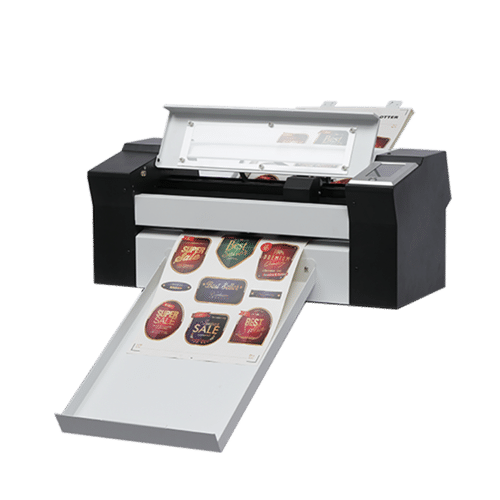

"We are dealing only in bulk order quantity."
VISION MEDIA (CALCUTTA) PVT. LTD.
GST : 19AAACV9898E1ZM
GST : 19AAACV9898E1ZM

- 43/7, M. G. ROAD, 2ND FLOOR,Kolkata - 700009, West Bengal, India
- Phone :08045812451

- Mr Prakash Bengani (Director )
- Mobile :08045812451
Chennai Office Address:
159 , Ground Floor , Avvai Shanmugam Salai,
Opp. AIADMK Office , Royapettah , Chennai - 600 014Additional Address:
Corporate Address: 166, Muktaram Babu Street 1st Floor,KOLKATA 700007 (near M.G. Road Metro Station or Ram Mandir Crossing)
43/7, Mahatma Gandhi Road. Kolkata- 700009
(Near Amherst St. Crossing)
Guwahati Branch Office:
A.K. Dev Road, Opposite HP Petrol Pump, Ganeshpara, Guwahati - 781025.
Call - +91 9085007777
Andaman Branch Office :
No. 05, BJP Bhawan, Middle Point,
Port Blair - 744101, Andaman, India
Contact Person : Mayukh Dutta
Call :- +91 9933224555
Telengana Branch Office:
1-7-284 to 293, Shop No. G/18, Gr. Floor, Jade Arcade,
Kalasiguda, M.G.Road, Paradise, Secunderabad-500003, Telengana. India
Contact Person : Surbhi Kansal
Mob:+91 96769 47418, +91 83560 08481- tradeindia@visionmediaonline.in

 Send Inquiry
 Send SMS
VISION MEDIA (CALCUTTA) PVT. LTD.
All Rights Reserved.(Terms of Use)
Developed and Managed by Infocom Network Private Limited.
Developed and Managed by Infocom Network Private Limited.

